

Github · GitHub Repository Radar
nguyenphutrong quotio
Stop juggling AI accounts. Quotio is a beautiful native macOS menu bar app that unifies your Claude, Gemini, OpenAI, Qwen, and Antigravity subscriptions – with real-time quota tracking and smart auto-failover for AI coding tools like Claude Code, OpenCode, and Droid.
Stars
4
Forks
322
Watchers: 4,829
Language
License: MIT License
Repository Radar Score
40 / 100
Growth
- 7d
- +0
- 30d
- +0
- %
- 0.0%
Not enough metric snapshots yet to chart growth for this repository.
Last observed: 4 days ago
Score breakdown
- popularity 23
- growth 0
- activity 75
- freshness 100
- community 84
Need help integrating this stack?
Our team builds with modern open-source stacks. Tell us what you are shipping.
Get a quote →
nguyenphutrong%2Fquotio | Trendshift
nguyenphutrong%2Fquotio | Trendshift
nguyenphutrong%2Fquotio | Trendshift
nguyenphutrong%2Fquotio | Trendshift
nguyenphutrong%2Fquotio | Trendshift
nguyenphutrong%2Fquotio | Trendshift
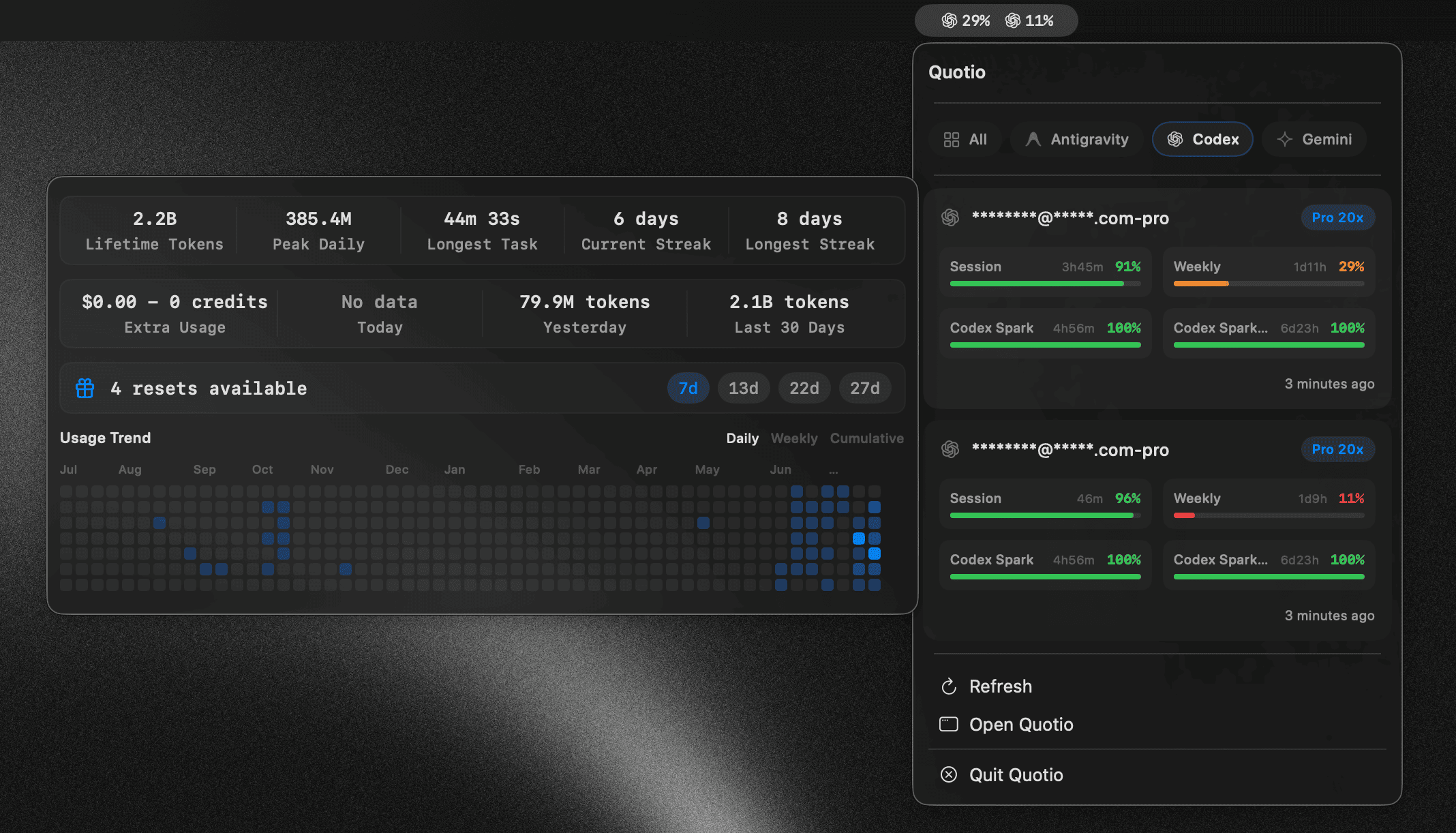
The ultimate command center for your AI coding assistants on macOS.
Quotio is a native macOS application for managing CLIProxyAPI - a local proxy server that powers your AI coding agents. It helps you manage multiple AI accounts, track quotas, and configure CLI tools in one place.
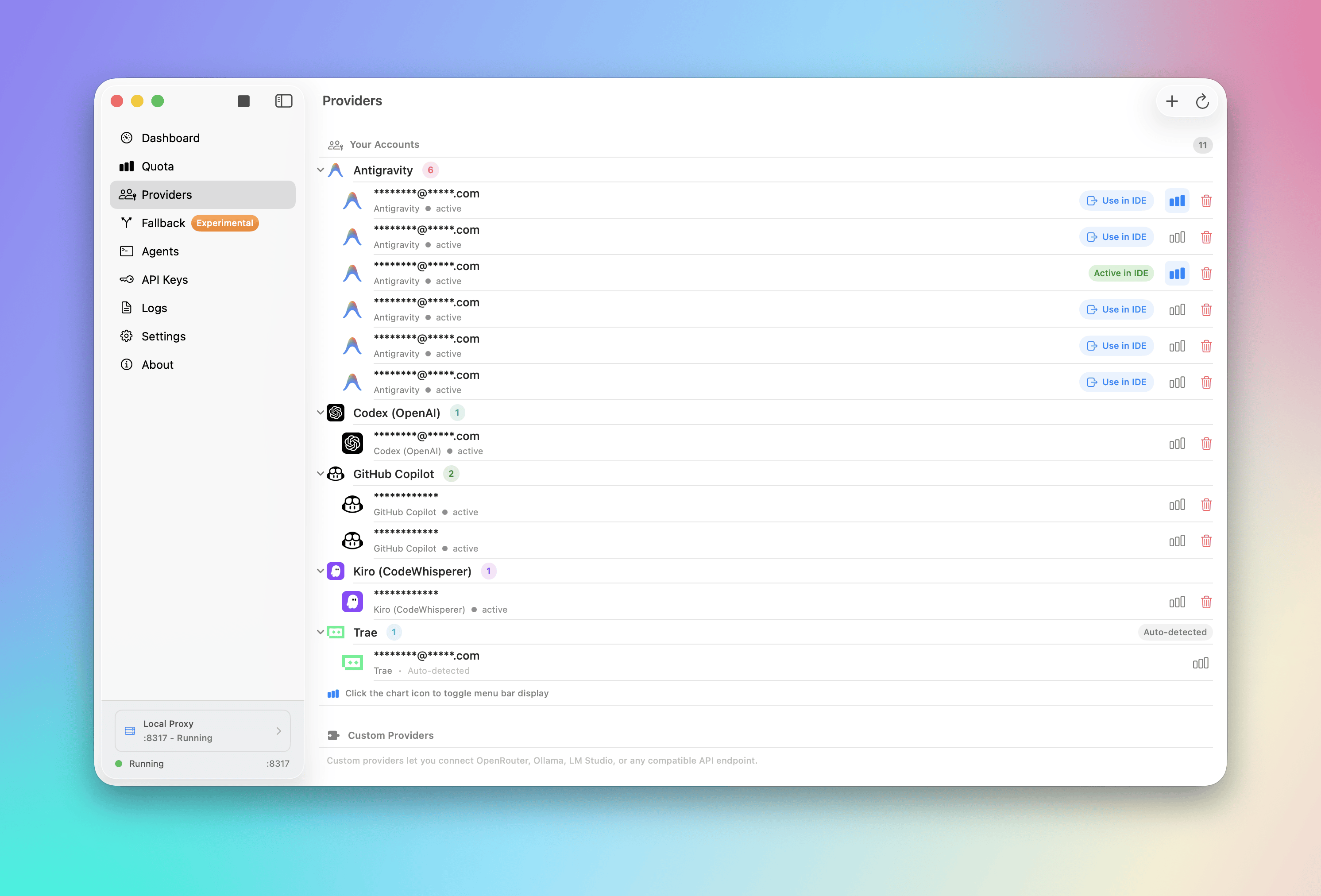
- 🔌 Multi-Provider Support: Connect accounts from Claude, OpenAI Codex, Qwen, Vertex AI, iFlow, Antigravity, Kiro, Trae, and GitHub Copilot via OAuth or API keys.
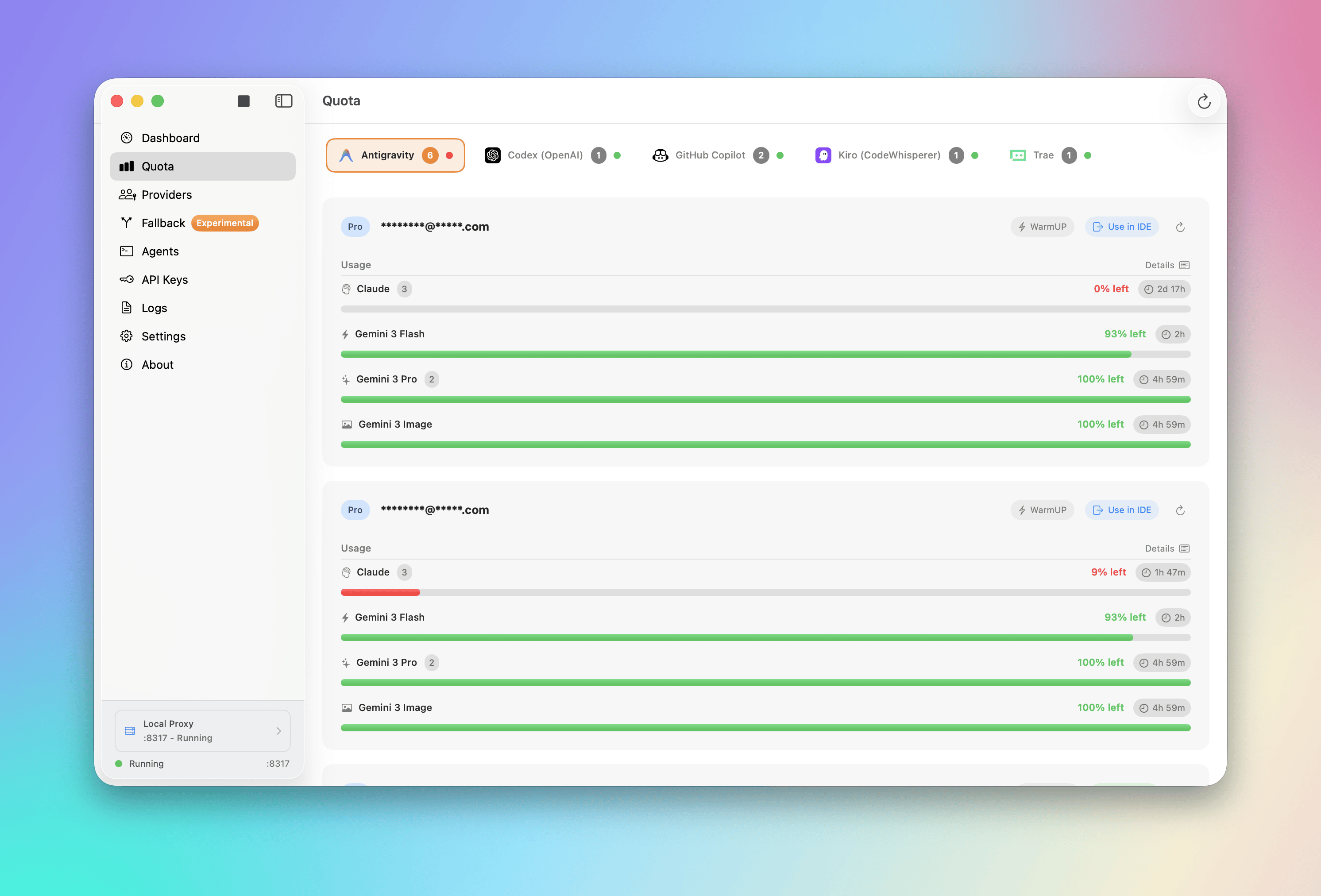
- 📊 Standalone Quota Mode: View quota and accounts without running the proxy server - perfect for quick checks.
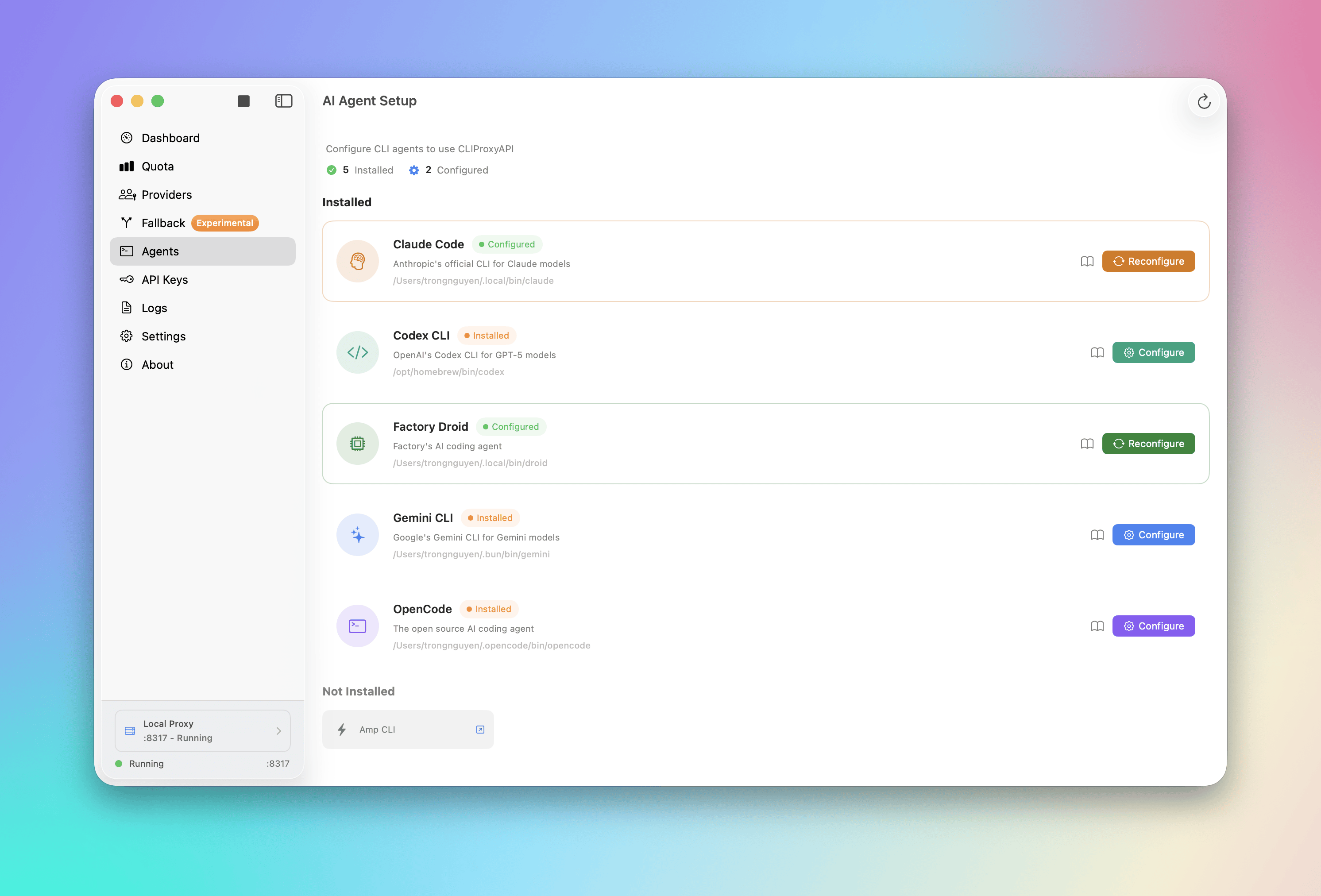
- 🚀 One-Click Agent Configuration: Auto-detect and configure AI coding tools like Claude Code, OpenCode, and more.
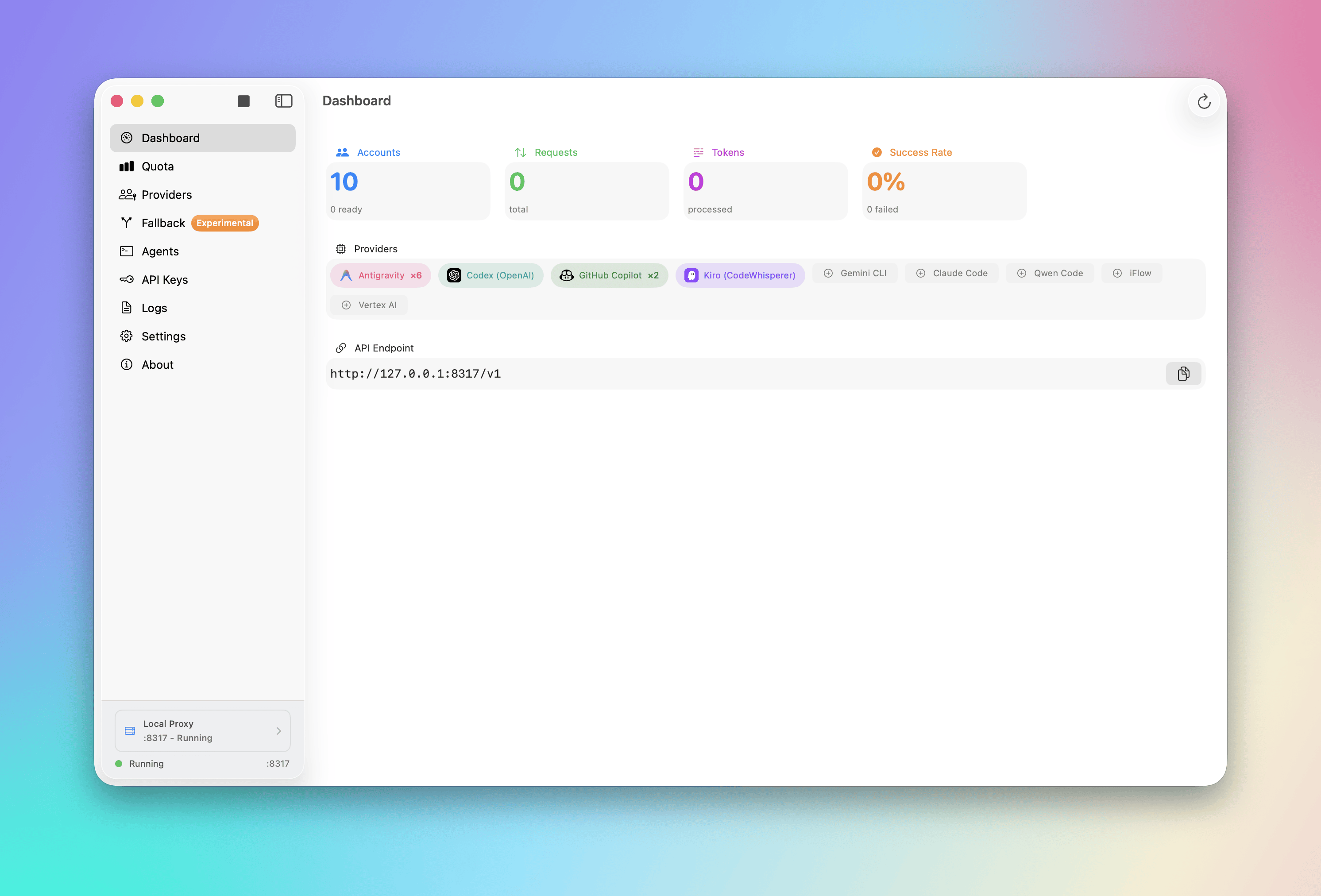
- 📈 Real-time Dashboard: Monitor request traffic, token usage, and success rates live.
- 📉 Smart Quota Management: Visual quota tracking per account with automatic failover strategies (Round Robin / Fill First).
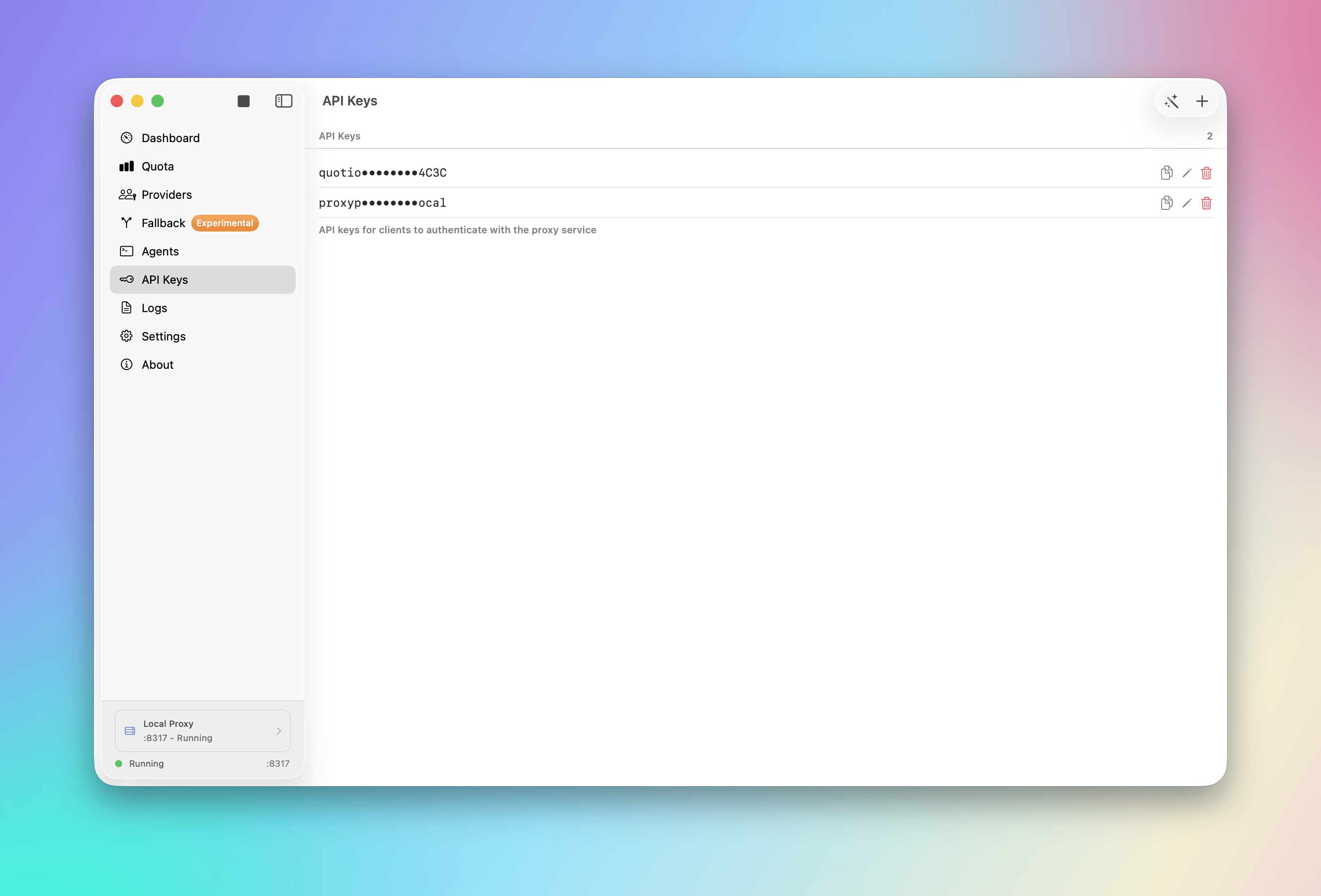
- 🔑 API Key Management: Generate and manage API keys for your local proxy.
- 🖥️ Menu Bar Integration: Quick access to server status, quota overview, and custom provider icons from your menu bar.
- 🔔 Notifications: Alerts for low quotas, account cooling periods, or service issues.
- 🔄 Auto-Update: Built-in Sparkle updater for seamless updates.
- 🌍 Multilingual: English, Vietnamese, and Simplified Chinese support.
| Provider | Auth Method |
|---|---|
| Anthropic Claude | OAuth |
| OpenAI Codex | OAuth |
| Qwen Code | OAuth |
| Vertex AI | Service Account JSON |
| iFlow | OAuth |
| Antigravity | OAuth |
| Kiro | OAuth |
| GitHub Copilot | OAuth |
| IDE | Description |
|---|---|
| Cursor | Auto-detected when installed and logged in |
| Trae | Auto-detected when installed and logged in |
Note: These IDEs are only used for quota usage monitoring. They cannot be used as providers for the proxy.
Quotio can automatically configure these tools to use your centralized proxy:
- Claude Code
- Codex CLI
- Amp CLI
- OpenCode
- Factory Droid
- macOS 14.0 (Sonoma) or later
- Internet connection for OAuth authentication
brew tap nguyenphutrong/tap
brew install --cask quotio
Download the latest .dmg from the Releases page.
Official release artifacts are signed with Developer ID and notarized by Apple, so no Gatekeeper bypass is required.
-
Clone the repository:
git clone https://github.com/nguyenphutrong/quotio.git cd Quotio -
Open in Xcode:
open Quotio.xcodeproj
-
Build and Run:
- Select the "Quotio" scheme
- Press
Cmd + Rto build and run
The app will automatically download the
CLIProxyAPIbinary on first launch.
Launch Quotio and click Start on the dashboard to initialize the local proxy server.
Go to Providers tab → Click on a provider → Authenticate via OAuth or import credentials.
Go to Agents tab → Select an installed agent → Click Configure → Choose Automatic or Manual mode.
- Dashboard: Overall health and traffic
- Quota: Per-account usage breakdown
- Logs: Raw request/response logs for debugging
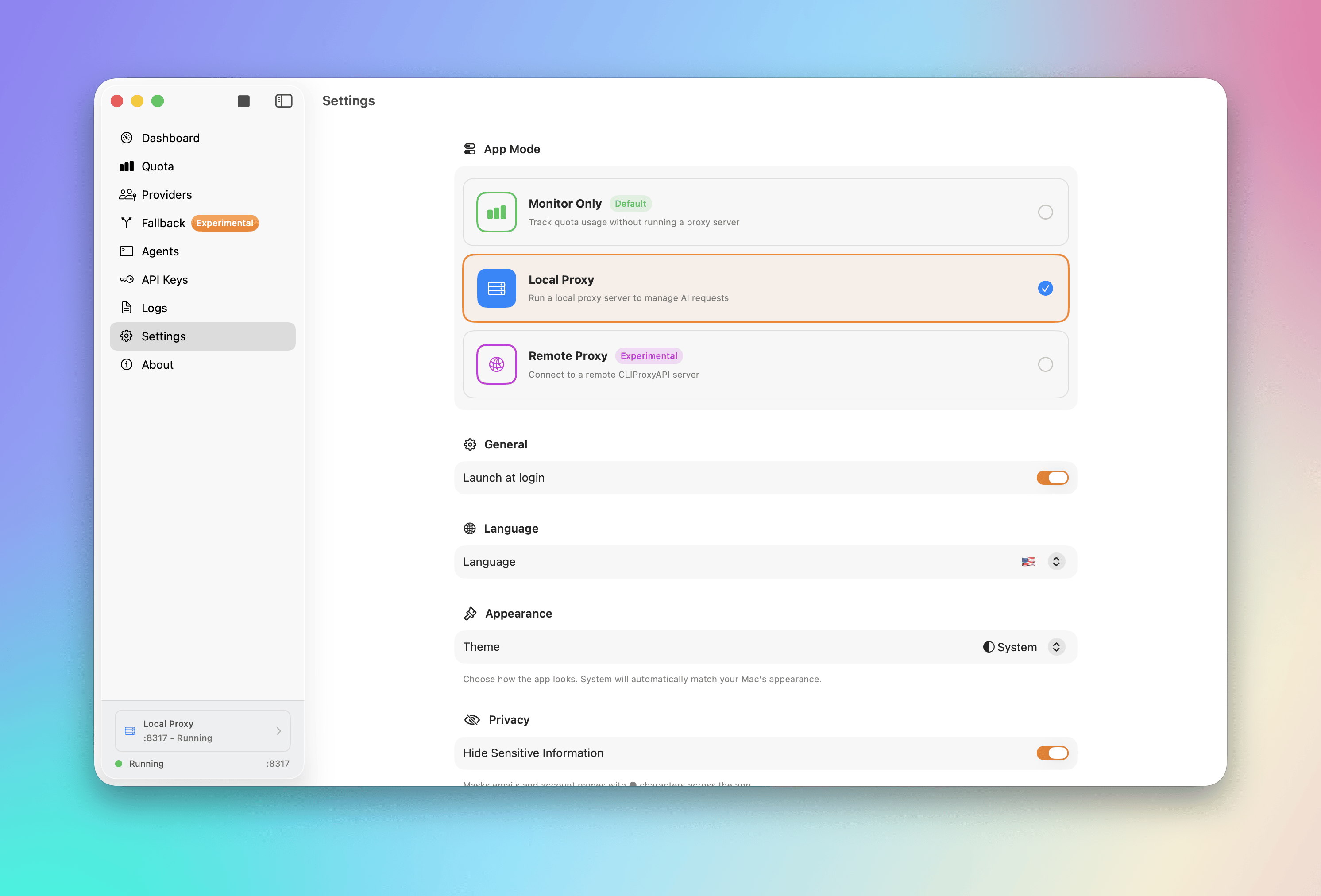
- Port: Change the proxy listening port
- Routing Strategy: Round Robin or Fill First
- Auto-start: Launch proxy automatically when Quotio opens
- Notifications: Toggle alerts for various events
- Fork the Project
- Create your Feature Branch (
git checkout -b feature/amazing-feature) - Commit your Changes (
git commit -m 'Add amazing feature') - Push to the Branch (
git push origin feature/amazing-feature) - Open a Pull Request
We couldn't have done this without you. Thank you! 🙏
MIT License. See LICENSE for details.


Repository Radar analysis
Deterministic insights derived from public metadata and our observations — not personal testing or reviews.
Why this repository is interesting
- Maintained recently (last push 2 weeks ago).
Who should use it
- Developers working primarily with Swift
- Teams exploring AI tooling, agents, or ML infrastructure
Potential use cases
- Reference or evaluate Swift open-source approaches in this domain
- Prototype AI/agent workflows or study reference architectures
Strengths
- Recent repository activity
- README present in our index
- Declared license: MIT License
Limitations / considerations
- Insights are derived from public metadata and our observations — not a substitute for code review
What to watch
- Re-check last push, issues, and releases on GitHub before production adoption
Strong signals: Active maintenance
Source: GitHub (public metadata) + Repository Radar analysis. We do not claim ownership of third-party repositories.